Convert HEIC to PDF
Fast, Free & Secure
The ultimate tool to convert your iPhone photos to PDF documents. All processing happens locally in your browser — your files never leave your device.
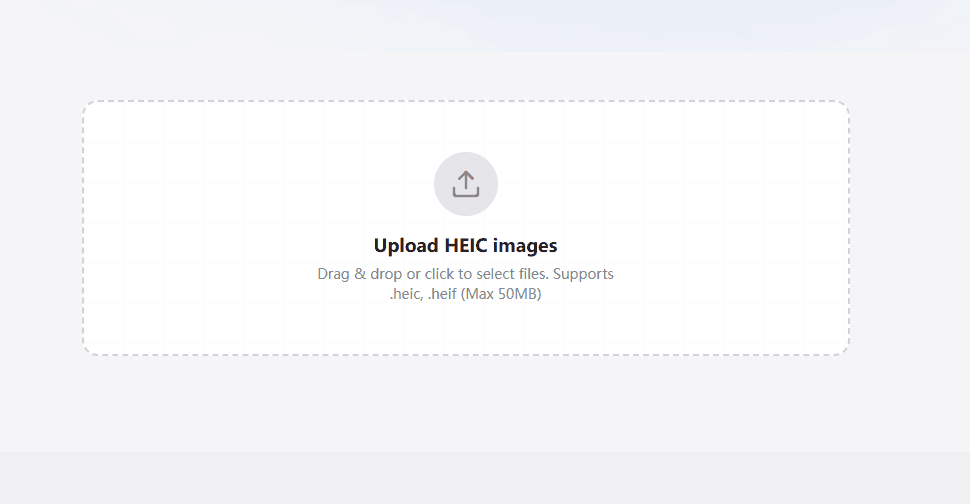
Upload HEIC images
Drag & drop or click to select files. Supports .heic, .heif (Max 50MB)
How to Convert HEIC to PDF
Transform your photos in seconds with our simple 5-step process.
Step 1 - Upload
Drop your HEIC photos here or click to pick them from your device to convert HEIC to PDF.
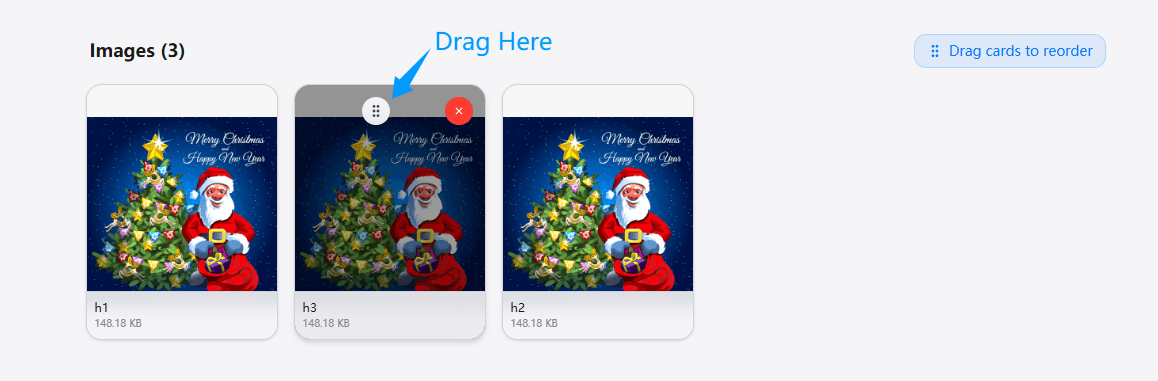
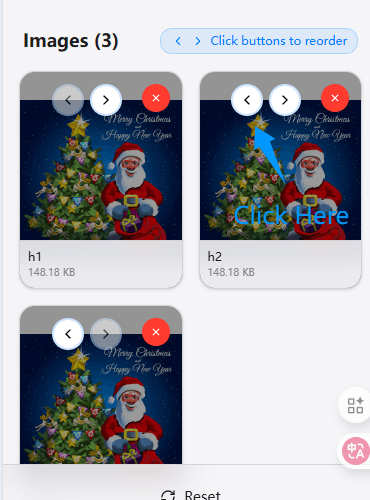
Step 2 - Arrange
If you added multiple HEIC photos to convert to PDF, reorder them to get the order just right before you convert HEIC to PDF.
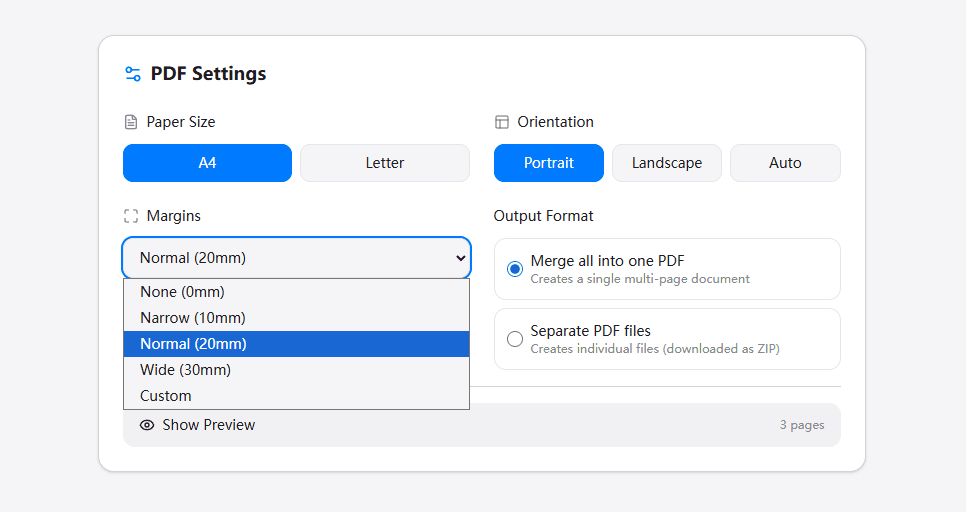
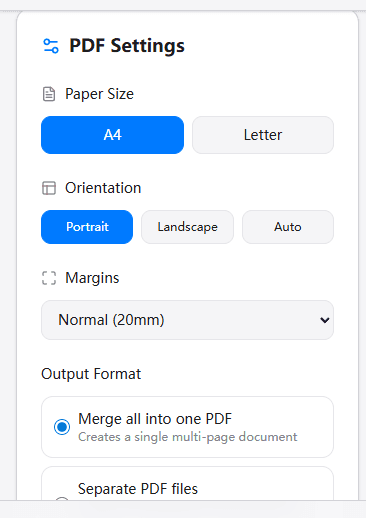
Step 3 - Customize
Pick how you want your PDF to look when you convert HEIC to PDF—choose the paper size, margins, orientation, and output format type.
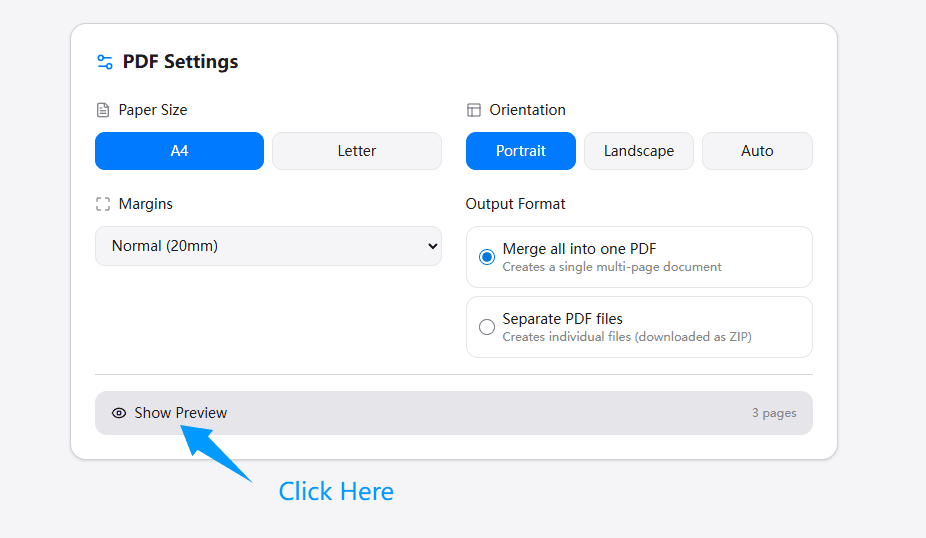
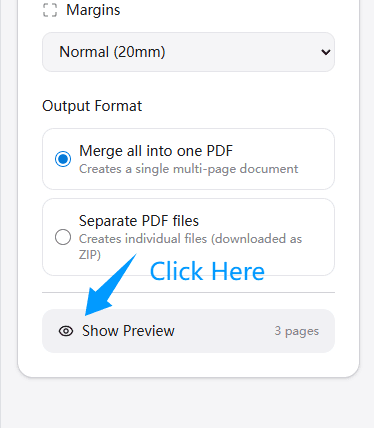
Step 4 - Preview
Hit the Show Preview button to see your conversion before it's ready.
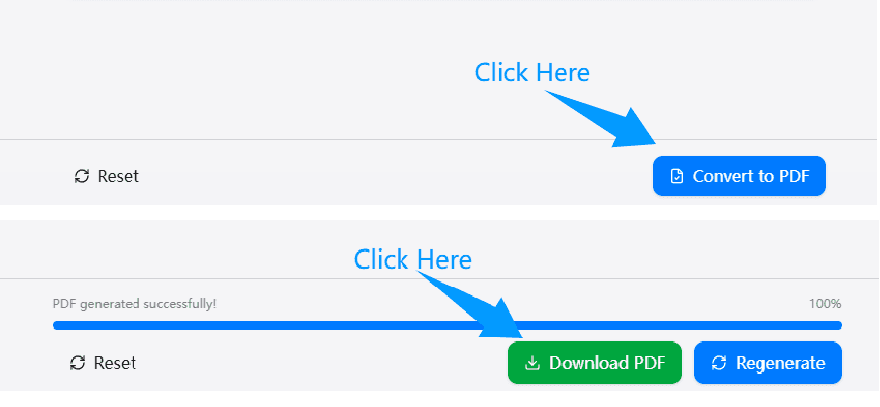
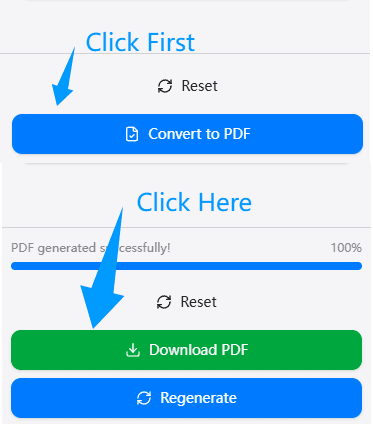
Step 5 - Convert
Looking good? Click Convert to finish your conversion and save it to your device!
What is HEIC to PDF Converter?
A HEIC to PDF converter is a simple online tool to convert HEIC to PDF documents. When you need to convert HEIC to PDF, our HEIC to PDF converter turns your iPhone photos (HEIC files) into PDF documents. Think of our converter like changing your photo album into a book format that anyone can open and read when you convert HEIC to PDF, no matter what device they use.
When you take photos on your iPhone, they save as HEIC files. Apple created this format to save space on your phone while keeping your photos looking beautiful. The problem? Not everyone can open HEIC files. If you send a HEIC photo to someone with an older Android phone or Windows computer, they might see an error message instead of your picture. That's why you need to convert the photo with our HEIC to PDF converter.
That's where our HEIC to PDF converter helps you convert HEIC photo. PDF files work everywhere - on phones, computers, tablets, and more. Your grandma's old laptop can open it. Your friend's Android phone can open it. Even your work computer can open it. When you convert HEIC photo with our HEIC to PDF converter, your photos become easy to share with everyone, every time.
Plus, when you use our HEIC to PDF converter to convert HEIC photos, you can combine multiple HEIC to PDF files into one document. This is perfect for creating photo albums, work reports, school projects, or any time you need several pictures in one PDF file after you convert HEIC to PDF.
Why Choose HeicKit's HEIC to PDF Converter?
See why millions of users trust our converter for their photos.
No Download Needed
Unlike other HEIC to PDF converters, you do not need to install any software to convert photos with our online converter. Everything happens in your web browser when you convert. This means no clutter on your device when you are converting with our HEIC to PDF converter, no worries about updates, and no risk of downloading sketchy programs.
Actually Free and Online
Some HEIC to PDF converter tools say "free" but then ask for money after converting one photo. Others limit your conversions to three per day. Our HEIC to PDF converter is truly free to convert HEIC photos. Convert HEIC to PDF one file or one hundred files - all at no cost with our converter. Today, tomorrow, and forever.
Your Privacy Matters
Your photos are personal. Family pictures, work documents, private screenshots - they're all important to you when you convert. That's why our HEIC to PDF converter processes everything on your device. Your HEIC files never leave your computer or phone during conversion with our secure HEIC to PDF converter. We can't see your photos when you converting, and neither can anyone else using our HEIC to PDF converter.
Convert HEIC photos on iPhone
You can convert HEIC photos right on your iPhone with our HEIC to PDF converter. No need to transfer photos to a computer first to convert. Open Safari, visit HeicKit.com, and convert HEIC photos in seconds with our mobile HEIC to PDF converter. Then share your PDF files immediately through Messages, email, or any app you want.
Merge Multiple Files
Need to combine several HEIC photos into one PDF? Our HEIC to PDF converter makes it easy to convert and merge them. Select all your HEIC images, and our converter will create a single PDF document with all your photos inside when you convert. Great for making before-and-after comparisons or complete photo stories when you convert HEIC images with our merging HEIC to PDF converter.
Quality Conversion Guaranteed
Your photos look just as good in PDF format with our HEIC to PDF converter. We don't compress or reduce quality when you convert with our quality HEIC to PDF converter. The colors stay vibrant when you convert. The details stay sharp. Your beautiful HEIC photos stay beautiful in PDF after conversion.
Everything you need to convert HEIC
Powerful features packed into a simple, elegant interface designed for speed and privacy.
Free Forever to Convert HEIC to PDF
Our converter lets you convert HEIC to PDF as many times as you want. No hidden fees to convert, no surprise charges when you convert, no premium plans. Convert without paying anything with our free HEIC to PDF converter.
Combine Multiple Files
Turn several HEIC images into one PDF file with our converter. Select five vacation photos and convert them in one document. Choose twenty screenshots and convert HEIC to PDF, then merge them with our converter. Perfect for creating photo albums when you convert, reports, presentations, or portfolios using our HEIC to PDF converter.
Convert HEIC to PDF Everywhere
Use our converter on your iPhone, Mac, Windows PC, Android tablet, or any device with internet to convert. No app download required to convert HEIC to PDF. Just open your web browser and start using the HEIC to PDF converter to convert instantly.
Super Fast Conversion
Your conversion happens in seconds, not minutes with our converter. We've built our HEIC to PDF converter to be lightning quick when you convert. Upload your HEIC photos, click convert, and boom - your PDF is ready. No waiting when you convert with our fast HEIC to PDF converter.
Private & Safe HEIC to PDF Converter
When you convert with our HEIC to PDF converter, your photos stay on your device. We don't upload them to our servers when you convert. We don't store them in the cloud. Your conversion is completely private with our secure HEIC to PDF converter.
Easy to Use HEIC to PDF Converter
Our HEIC to PDF converter requires no tech skills to convert. No confusing settings to figure out when you convert. If you can click a button, you can convert HEIC to PDF. We designed this HEIC to PDF converter for everyone who needs to use.
Common Questions About HEIC to PDF Converter
Got questions? We've got answers.